App Store Assets
Resized screenshots & preview videos
0/20 ready
How to use this page:
- Click Resize All — this processes all 10 screenshots at both iPhone dimensions (20 files total).
- Once done, click Download All to save every file, or download individual files below.
- Upload the PNG screenshots and MP4 videos to App Store Connect.
Screenshots (10 screens × 2 sizes = 20 files)
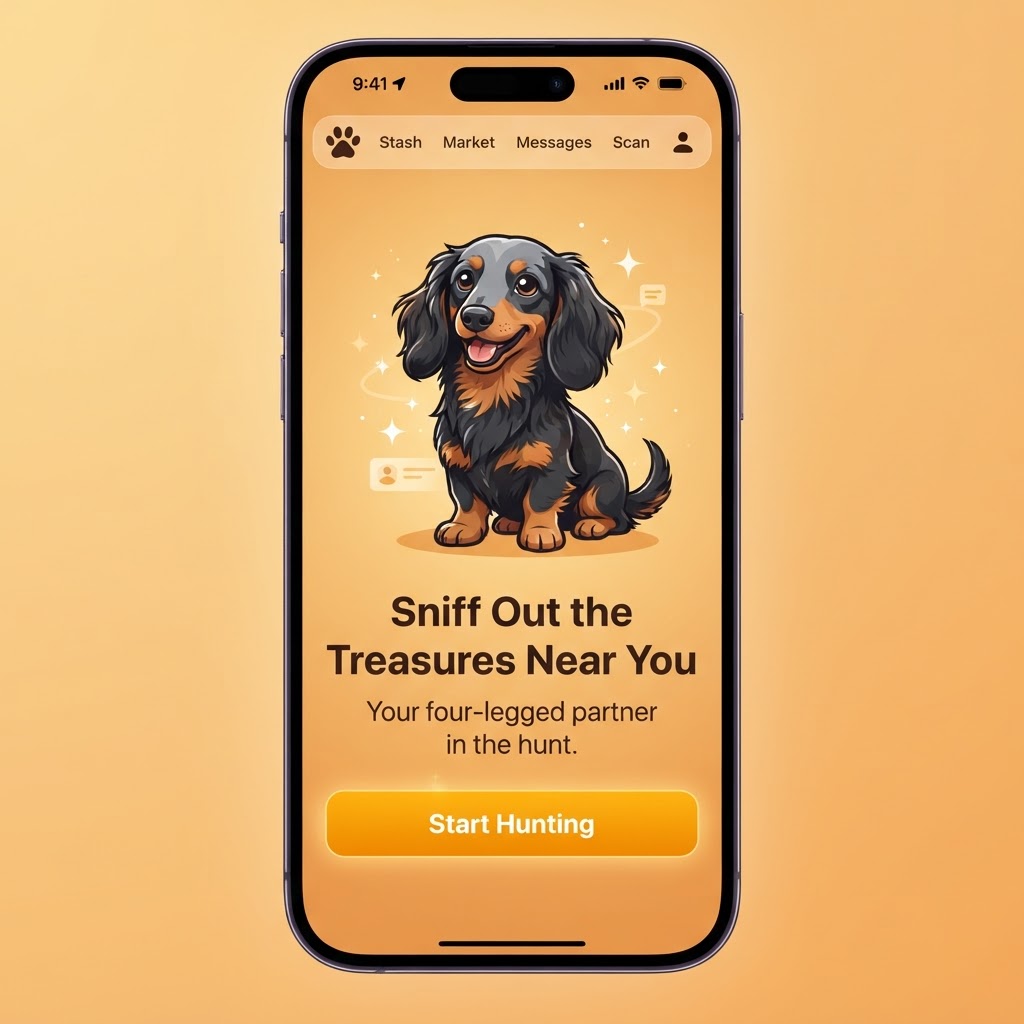
Landing Page
01_landing
Portrait — 886×1920
Landscape — 1920×886
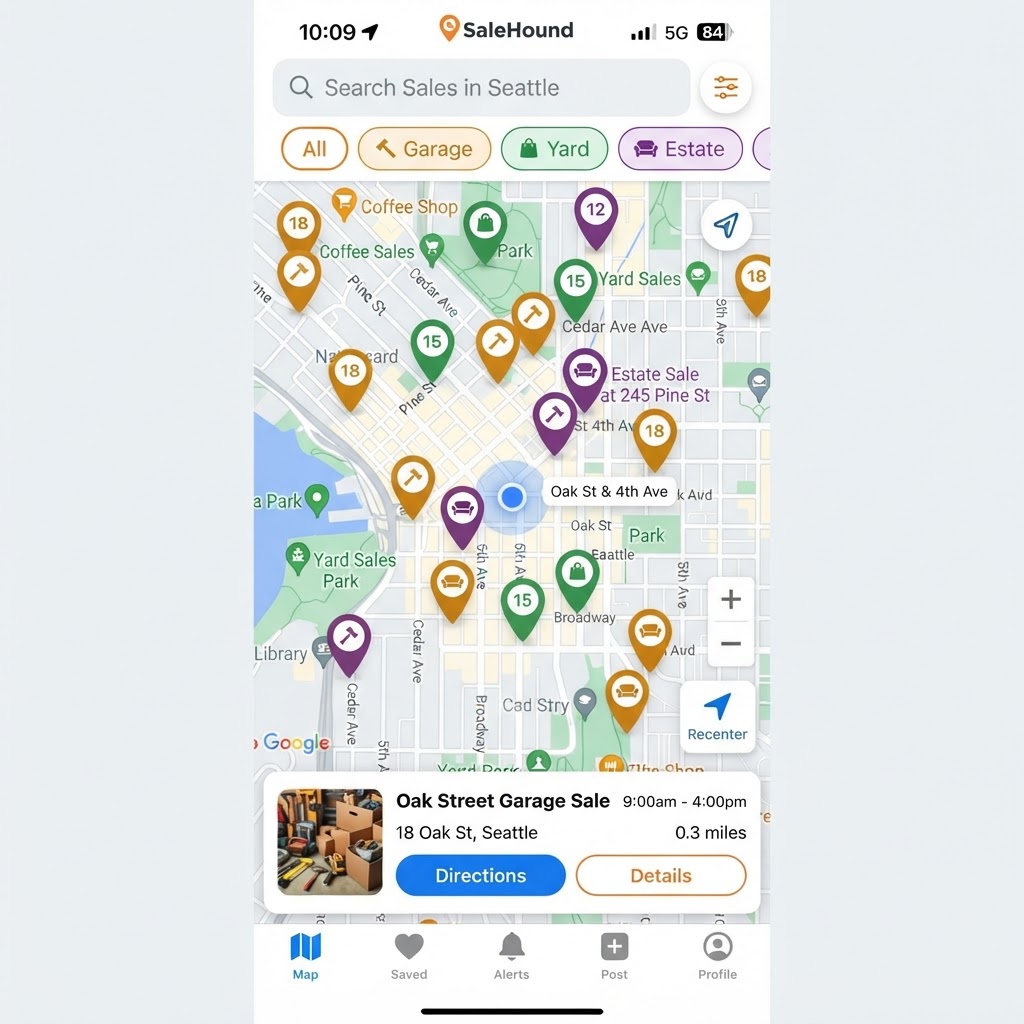
Live Treasure Map
02_live_map
Portrait — 886×1920
Landscape — 1920×886
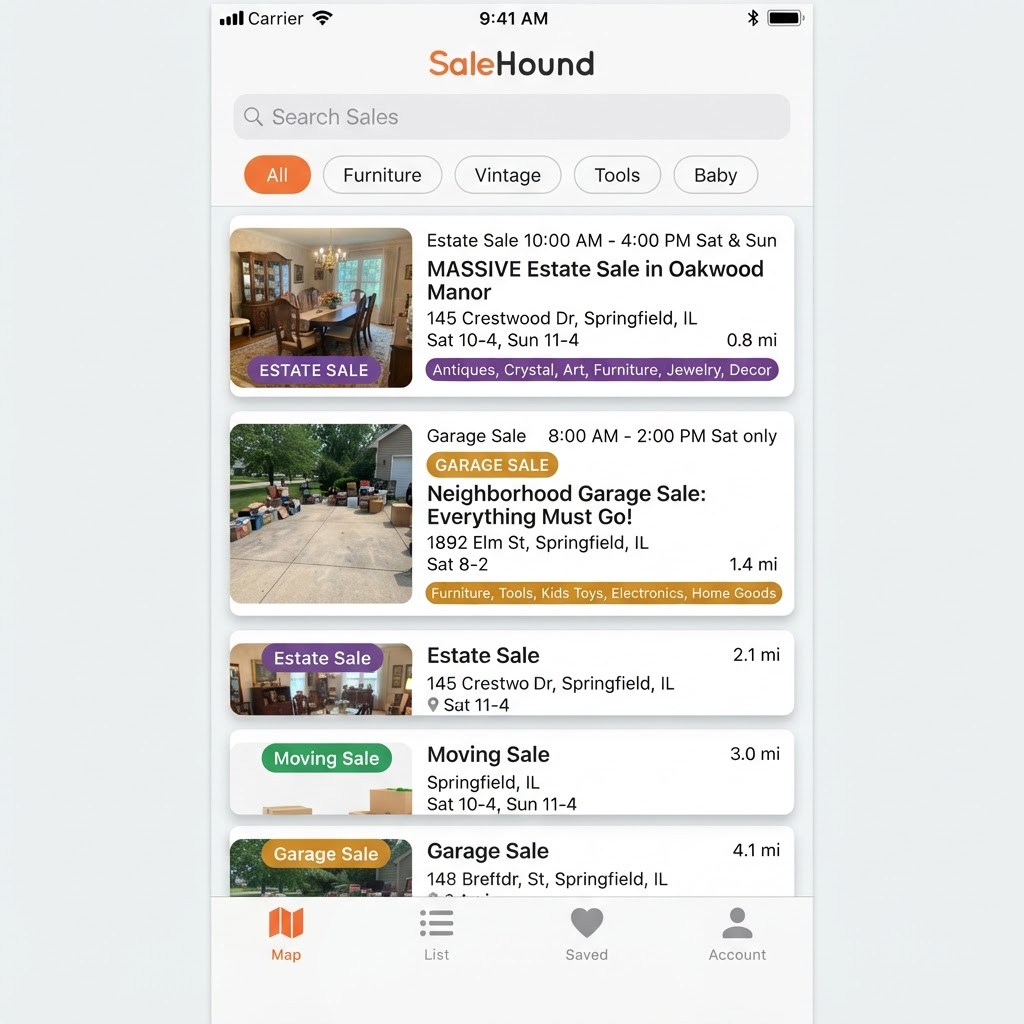
Sale List
03_sale_list
Portrait — 886×1920
Landscape — 1920×886
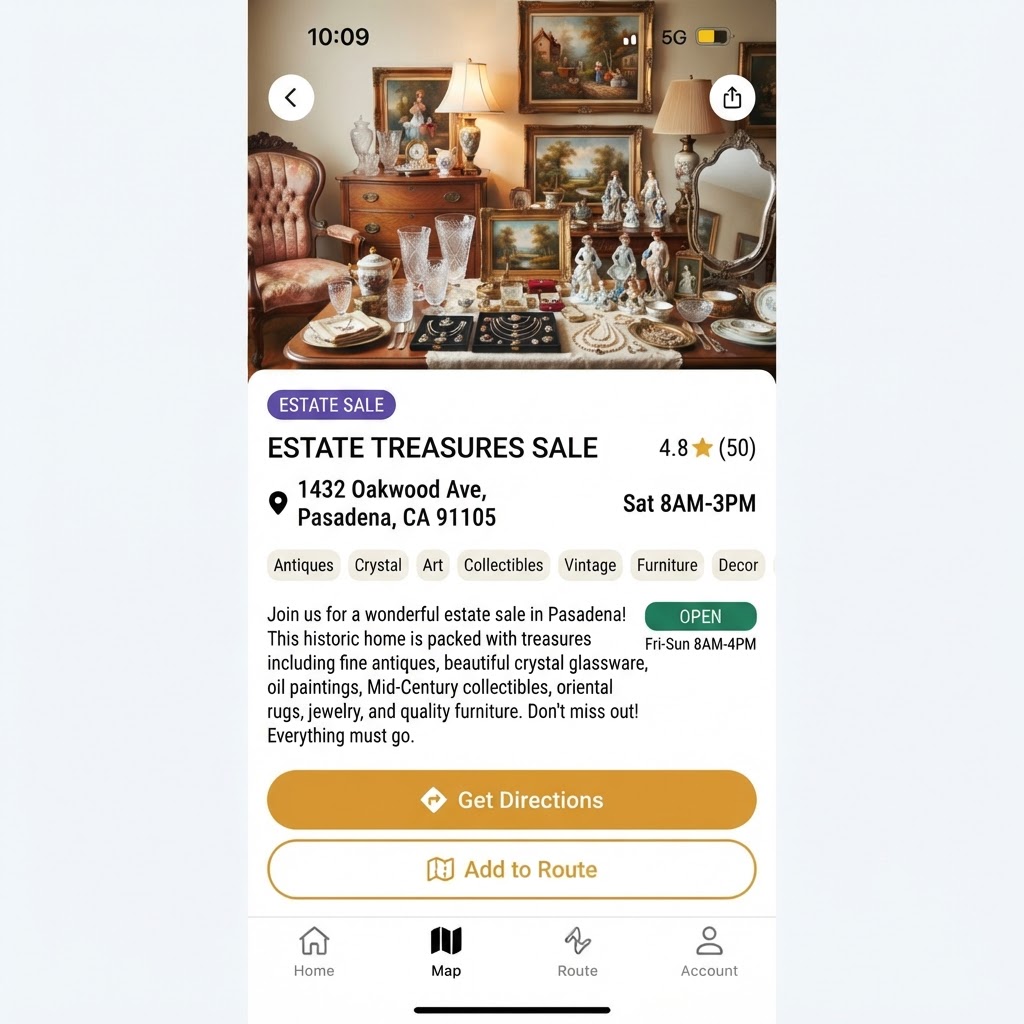
Sale Detail
04_sale_detail
Portrait — 886×1920
Landscape — 1920×886
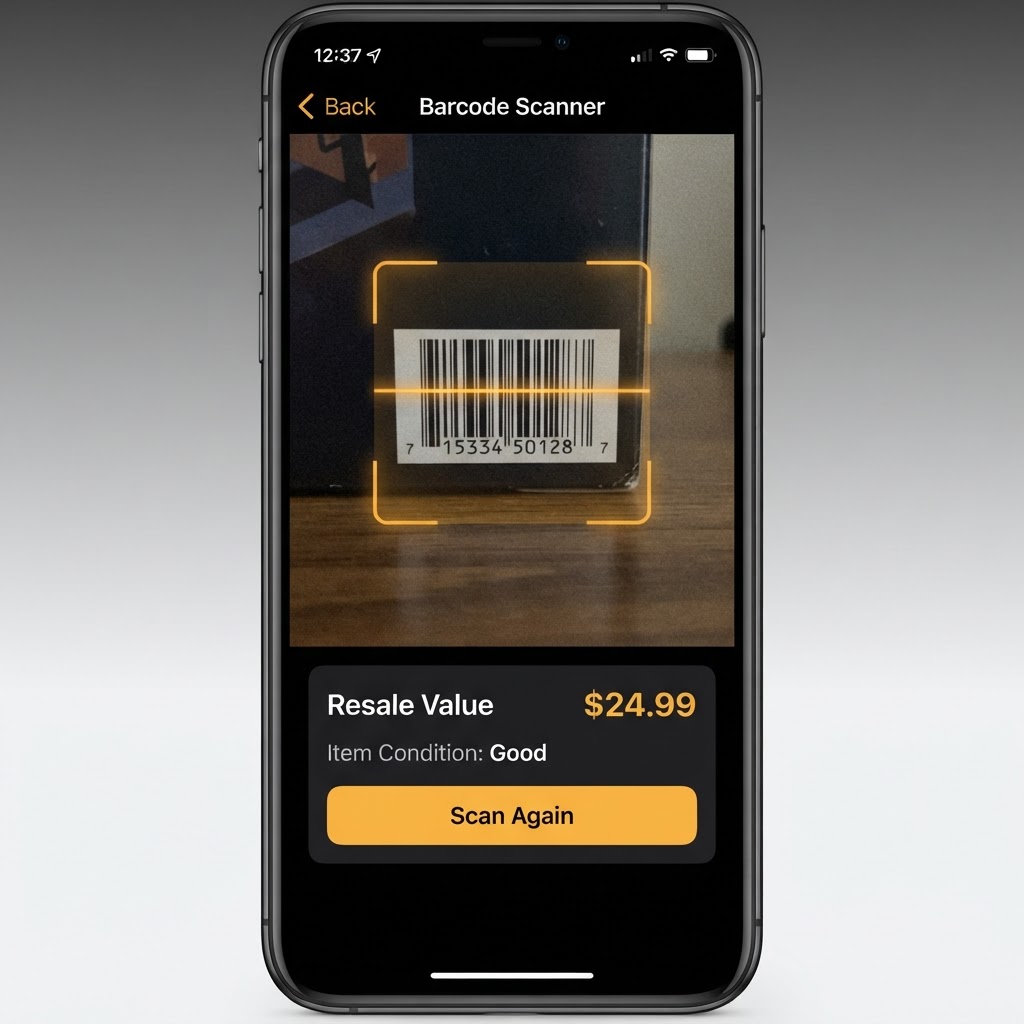
Barcode Scanner
05_barcode_scanner
Portrait — 886×1920
Landscape — 1920×886
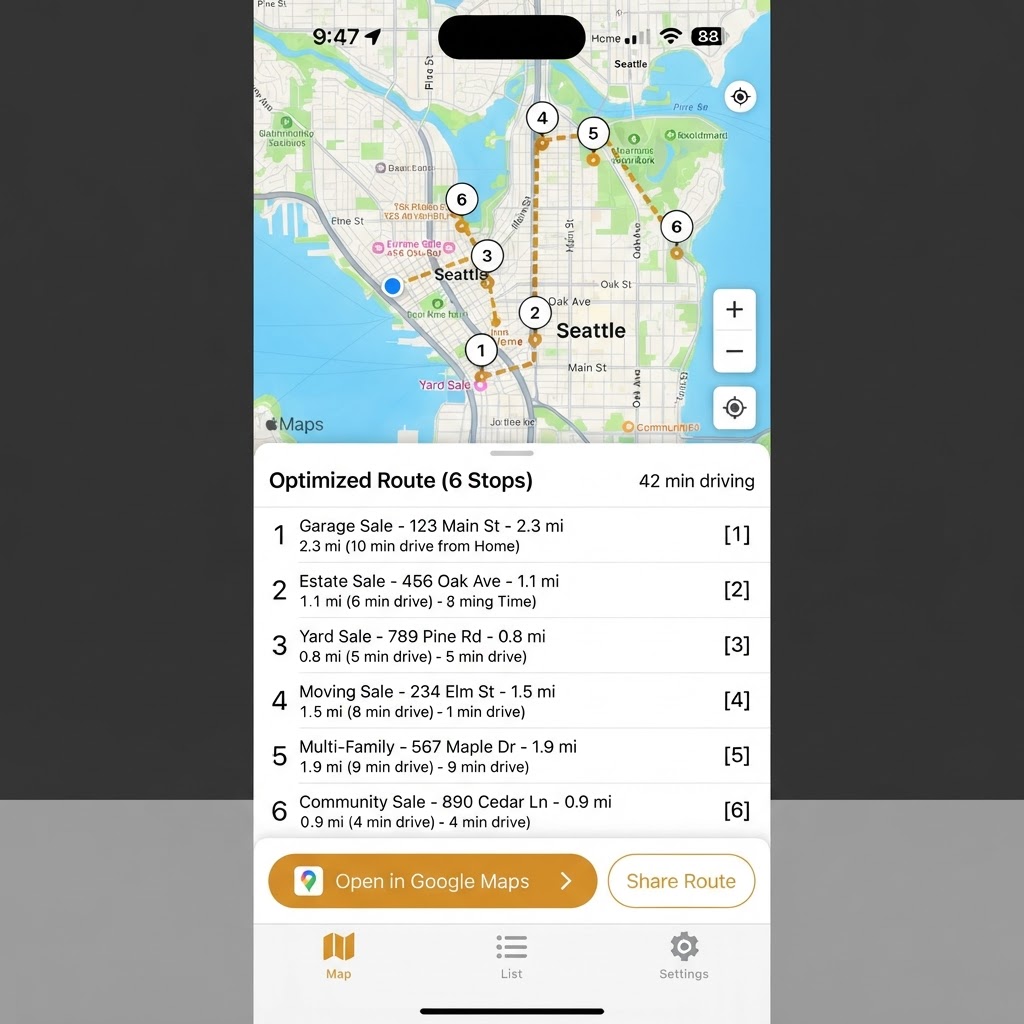
Route Optimizer
06_route_optimizer
Portrait — 886×1920
Landscape — 1920×886
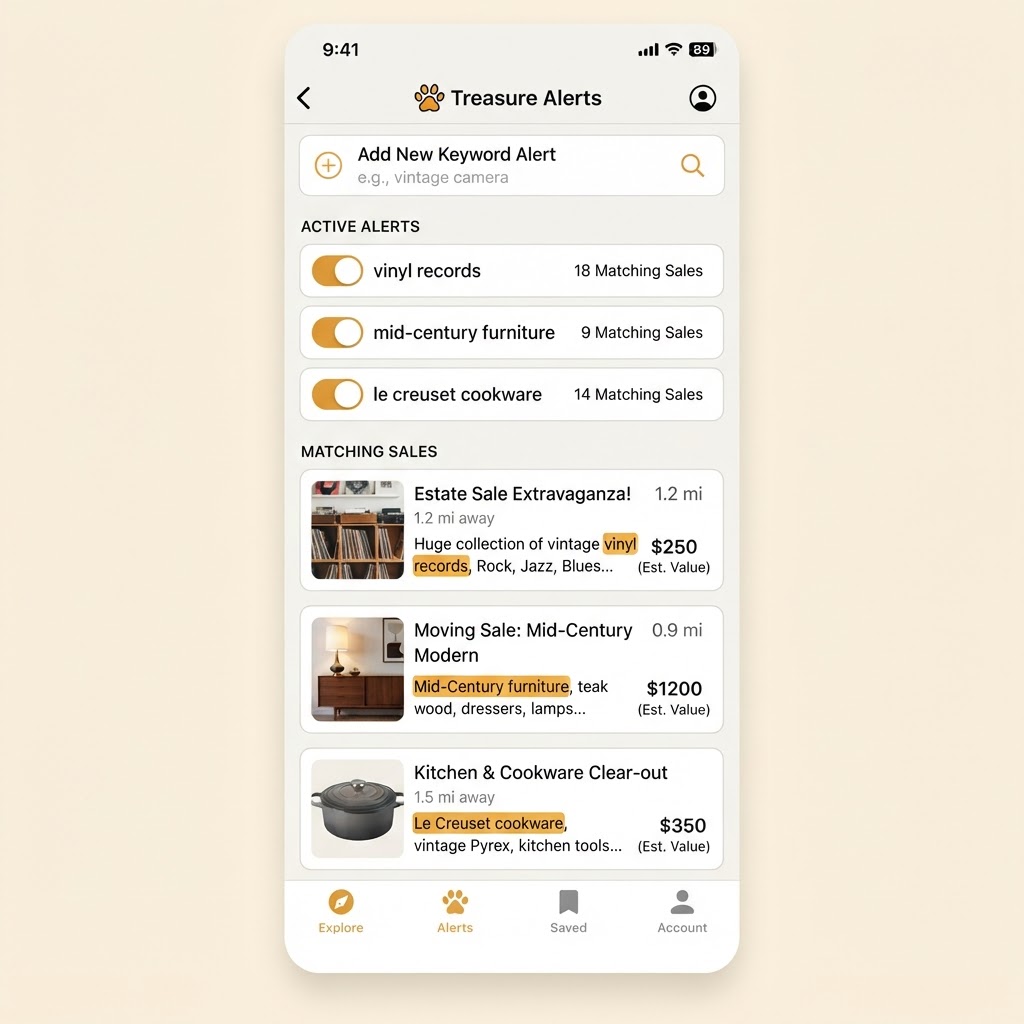
Treasure Alerts
07_treasure_alerts
Portrait — 886×1920
Landscape — 1920×886
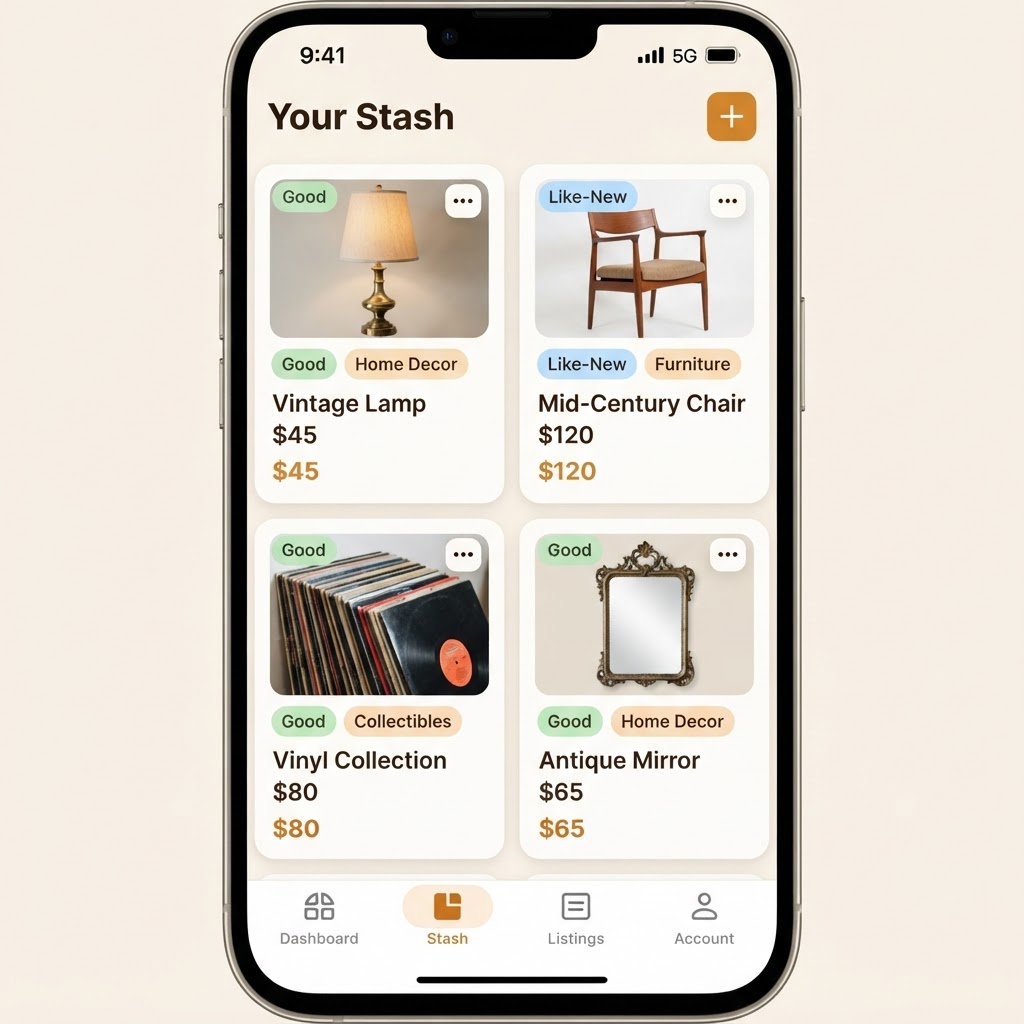
Inventory Stash
08_inventory_stash
Portrait — 886×1920
Landscape — 1920×886
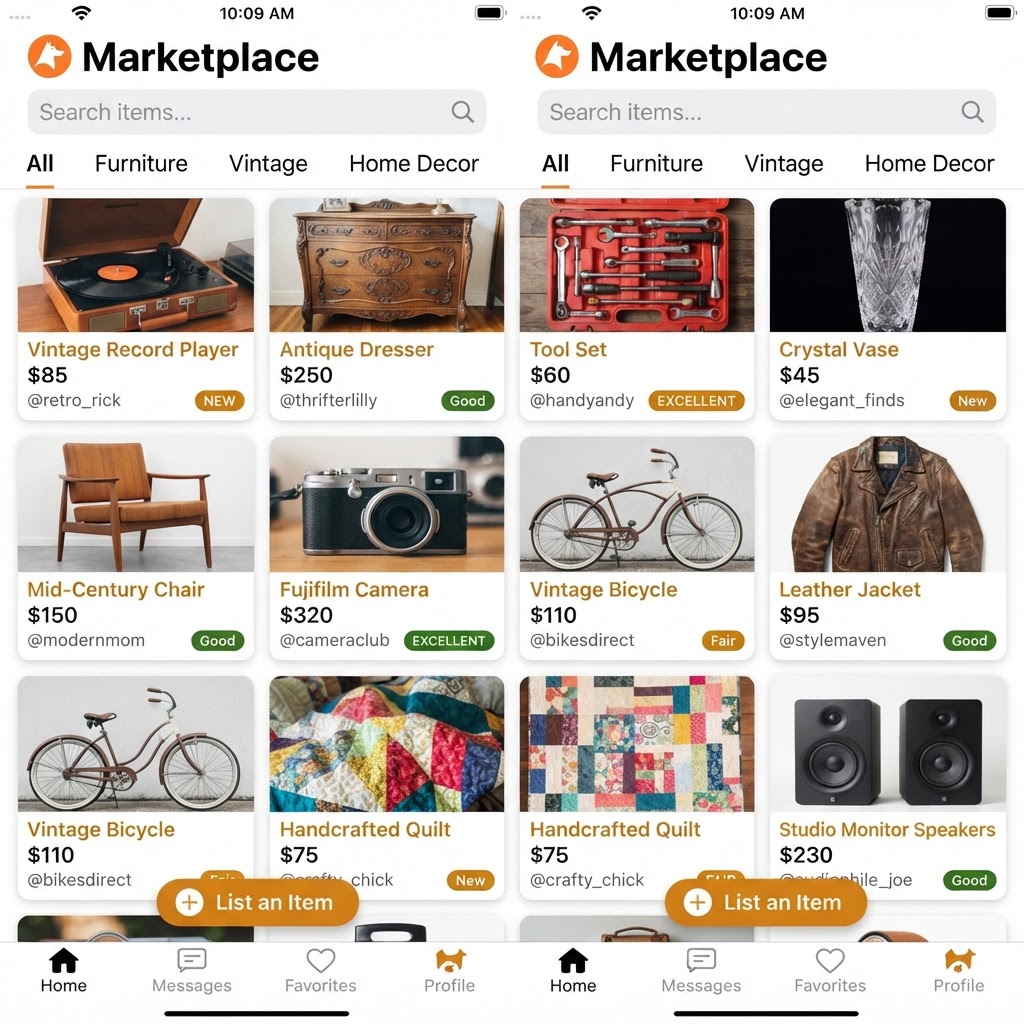
Marketplace
09_marketplace
Portrait — 886×1920
Landscape — 1920×886
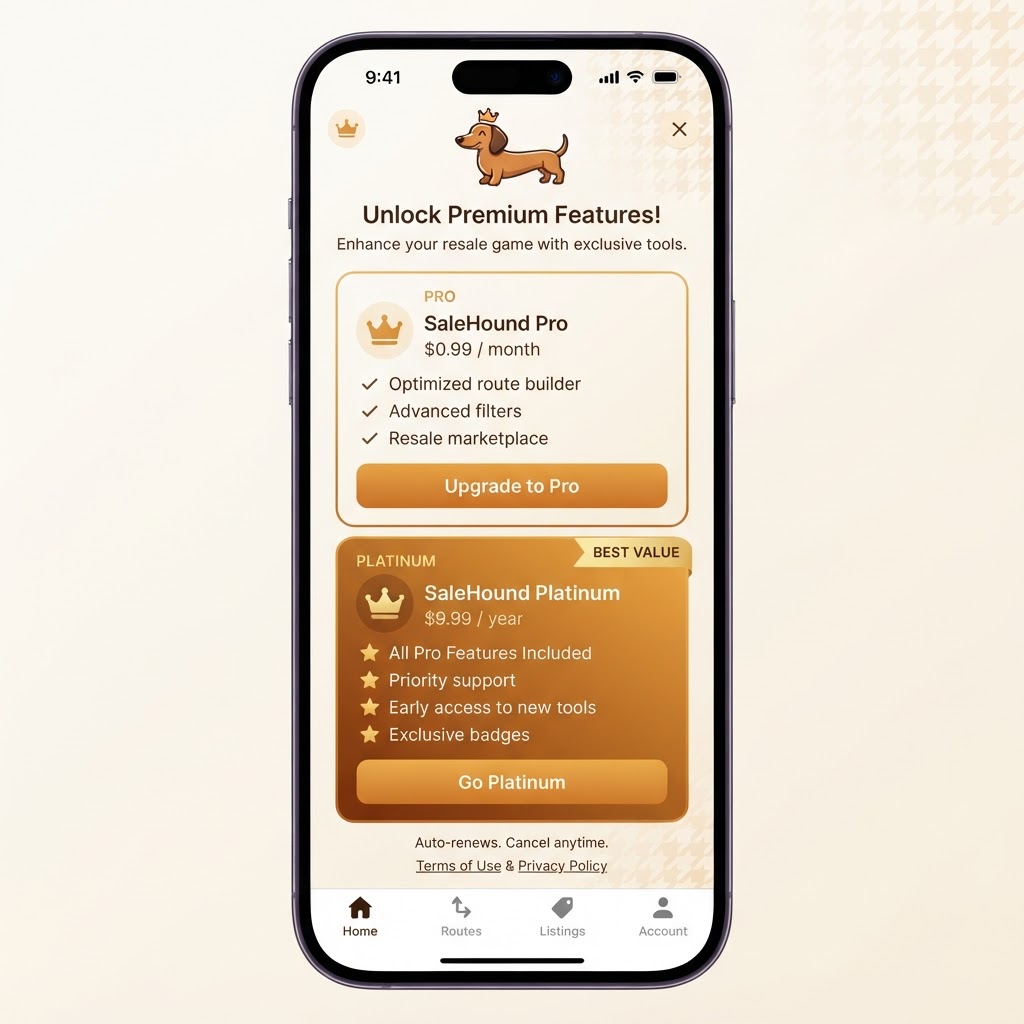
Subscription
10_subscription
Portrait — 886×1920
Landscape — 1920×886